
Booking a Consultation
Learn how to book a legal consultation, choose a time slot, and what happens after you submit your request.
Last updated: July 8, 2026
How booking works
LeyApp lets you book legal consultations directly with verified lawyers. From a lawyer's profile, click "Book consultation" to open their dedicated booking page at /lawyer/[lawyer]/book. You can also click a time slot on a search result card to jump straight to the booking page with that slot pre-selected.
The booking page uses progressive disclosure: first pick a date and time, then the details form appears. You can browse availability without logging in — a login is only required when you confirm and proceed to payment.
Steps to book a consultation
- Find a lawyer using the search page or browse their profile
- Open the booking page and pick a date from the calendar — days with available slots are highlighted with green dots
- Choose a time slot from the grid that appears below the calendar after selecting a date
- Once date and time are selected, the details form reveals: pick your contact method, preferred language, and add optional notes about your legal matter
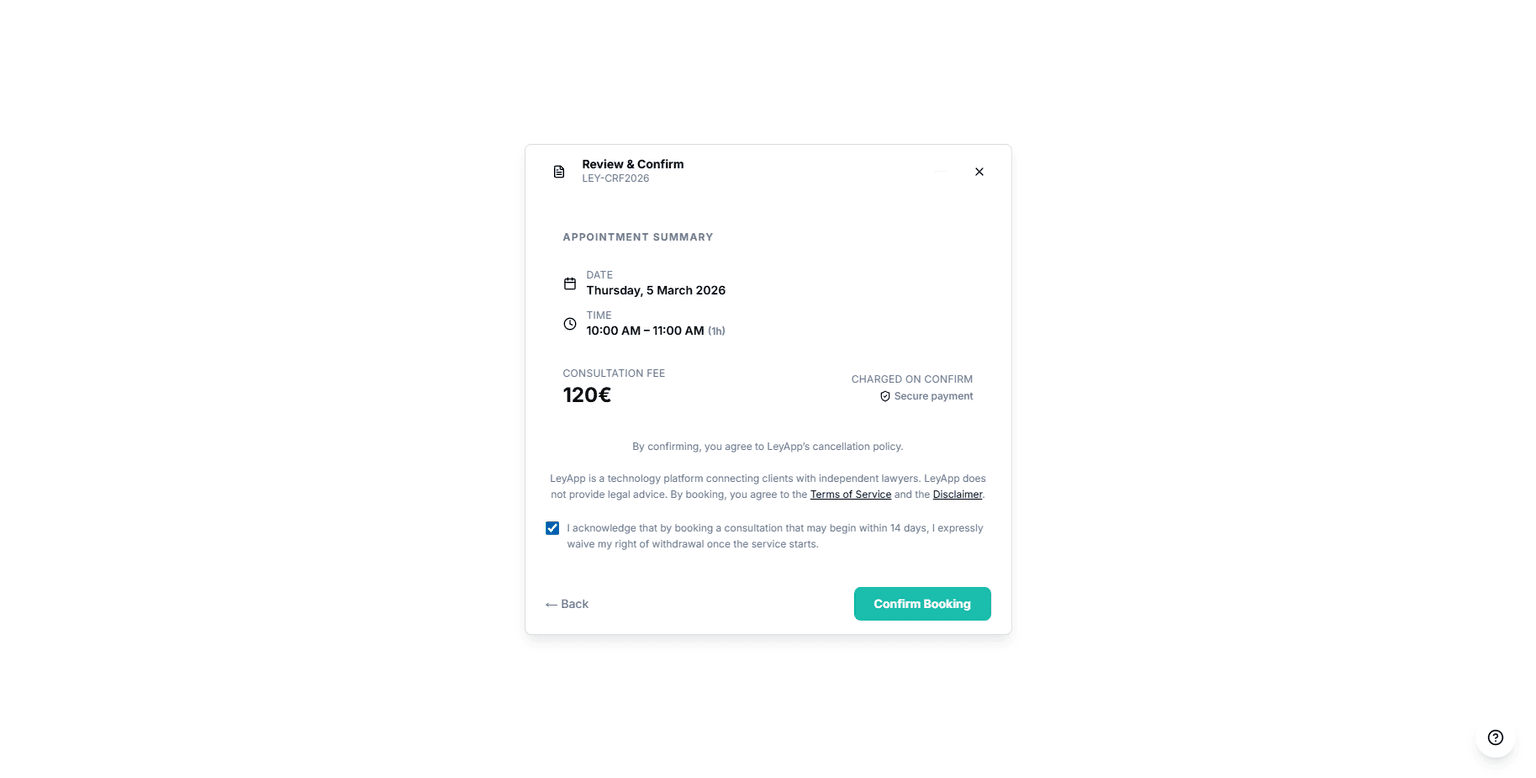
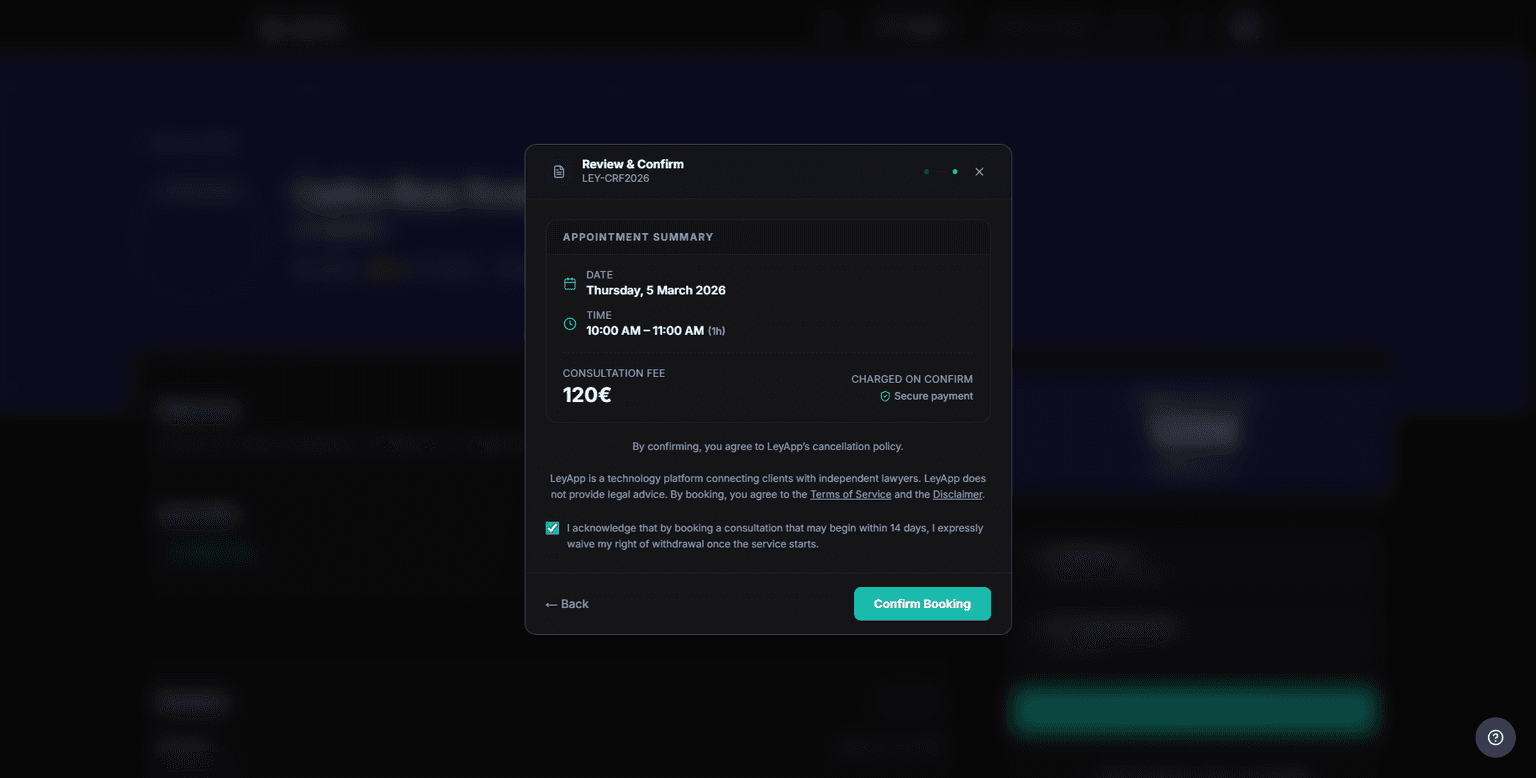
- Review the price breakdown in the summary card (consultation fee + 21% IVA + 15% platform fee) and complete payment securely via Stripe
INTERACTIVE DEMO
~3 min· 6 stepsFind a Lawyer
Review how to search and compare lawyers before booking your consultation.
Choosing a time slot
The booking page shows a full monthly calendar. Use the left and right arrows to navigate between months. Days with available slots show a small green dot. Click a day to reveal the time slots grid below the calendar.
Each time slot button shows the start time. Slots already booked or conflicting with your other appointments are disabled. Click a slot to select it — the details form and summary card will appear.
If a lawyer proposes a different time, you will see their suggestion in your booking details. You can accept or cancel the booking from your dashboard.
After booking
Once your booking is approved, you will receive the consultation details including the confirmed date, time, and any instructions from the lawyer.
You can view all your bookings from the Bookings section of your dashboard. Each booking shows its current status: pending, approved, completed, declined, or cancelled.
Approved bookings include an "Add to calendar" button on the booking details page. Use it to save the appointment to Google Calendar or Outlook in one click, or download an .ics file that works with Apple Calendar and most other calendar apps.
If your consultation is later rescheduled, remember to update the event in your personal calendar — the saved event does not update automatically.
INTERACTIVE DEMO
~4 min· 9 stepsBook a Consultation
We'll guide you from search to booking confirmation: choosing a time slot, reviewing the price, and confirming payment.
Cancellation policy
You can cancel a booking up to 24 hours before the scheduled time for a full refund. Cancellations made within 24 hours of the appointment may not be eligible for a refund.
For the full details on cancellation fees, refund timing, and no-show protection, see our dedicated Cancellations & Refunds article.
If you need to cancel, do so as early as possible. Late cancellations affect the lawyer's schedule and may impact your ability to book in the future.
Need to change the time?
If the scheduled time no longer works but you still want the consultation, consider rescheduling instead of cancelling. Both clients and lawyers can propose a new time. See our Rescheduling a Booking article for the full process.
Rescheduling preserves your booking and avoids cancellation fees. You can reschedule up to 3 times per booking.